

Clearcut
Chats
Bulk delete your AI chats. Hundreds of chats, fast.
Tick the chats you don't want and delete them in one go, right from your browser's side panel. Works with Microsoft Copilot, ChatGPT and Claude. No account, no tracking, no servers.
Works in Chrome, Brave and other Chromium browsers. The Edge Add-ons listing is on its way. Edge users can install from the Chrome Web Store today.
177 people use it
Read the privacy policy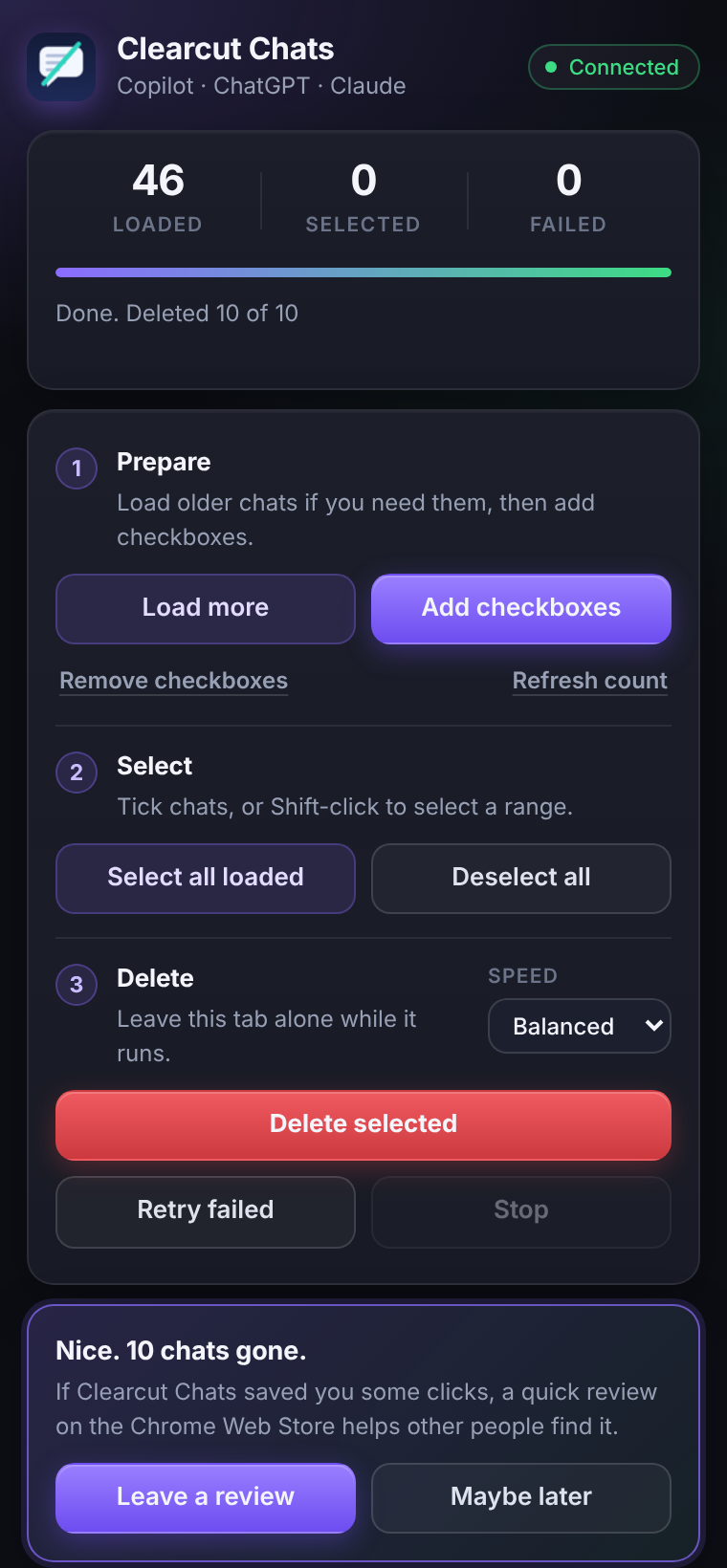
Fast Cleanup
Delete hundreds of chats, fast.
Privacy First
Your data stays on your device.
Easy to Use
Simple, powerful controls.
See it in action
A cleaner chat history, in minutes
Walk through it step by step.
Load your history
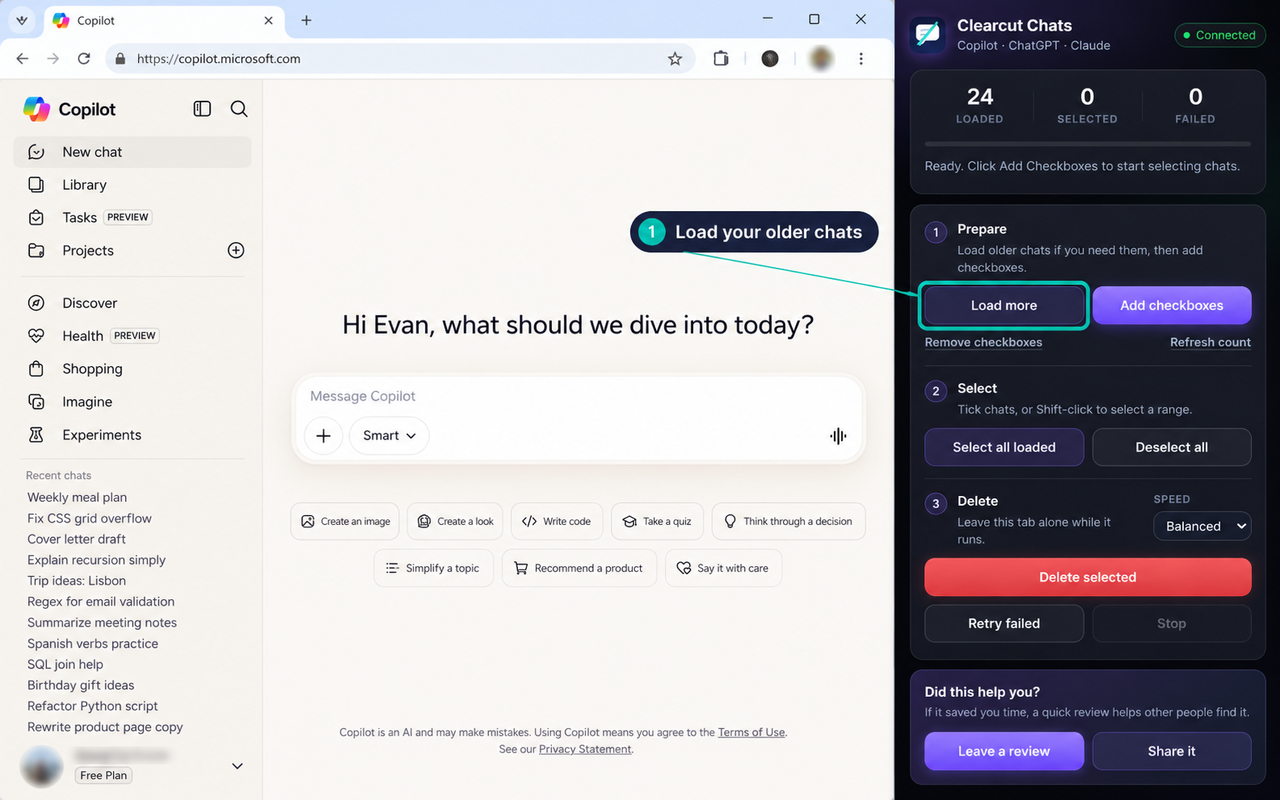
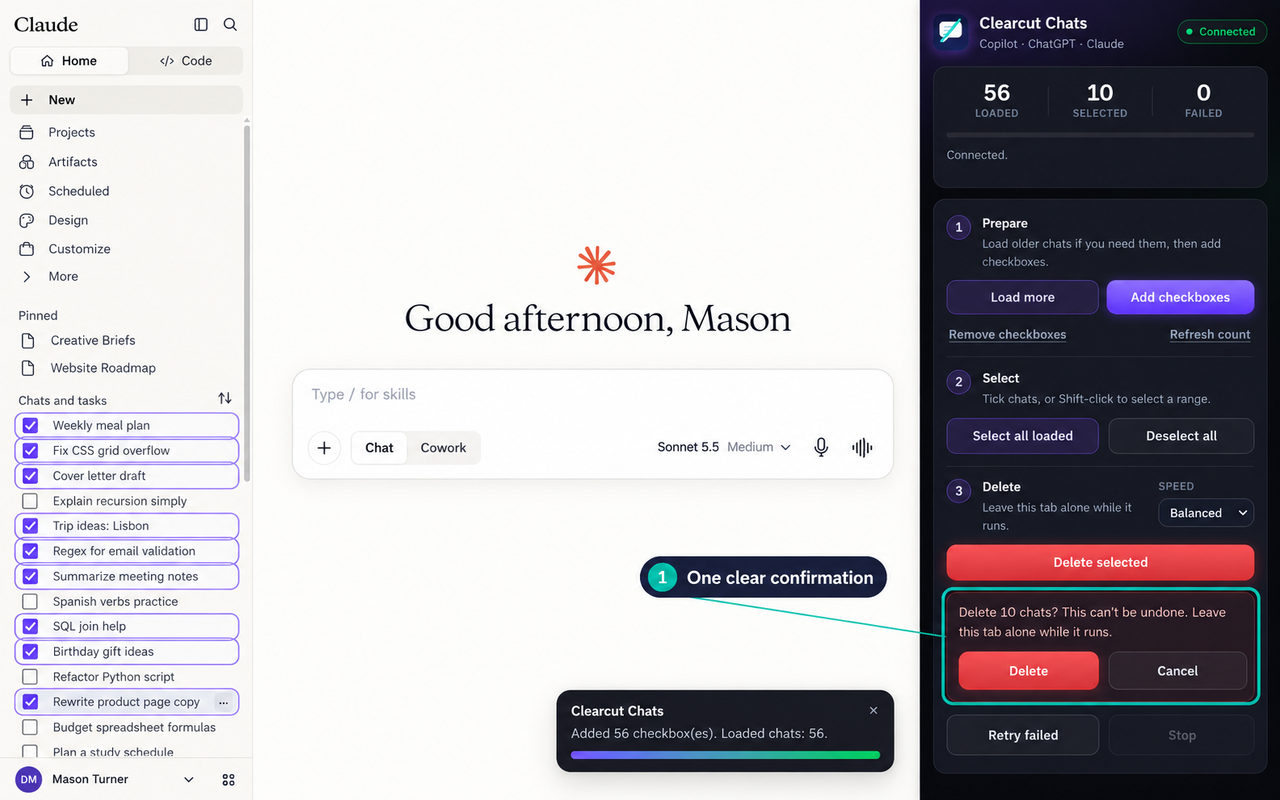
Open the side panel on any supported chat site. It connects by itself, and Load more scrolls the list until your older chats are in view.
What it does
Everything you need to clean up faster
Built for people who use AI chat every day and want to take control of their conversation history.
Bulk Delete Chats
Select and remove dozens or hundreds of conversations at once instead of deleting them one by one.
Copilot, ChatGPT and Claude
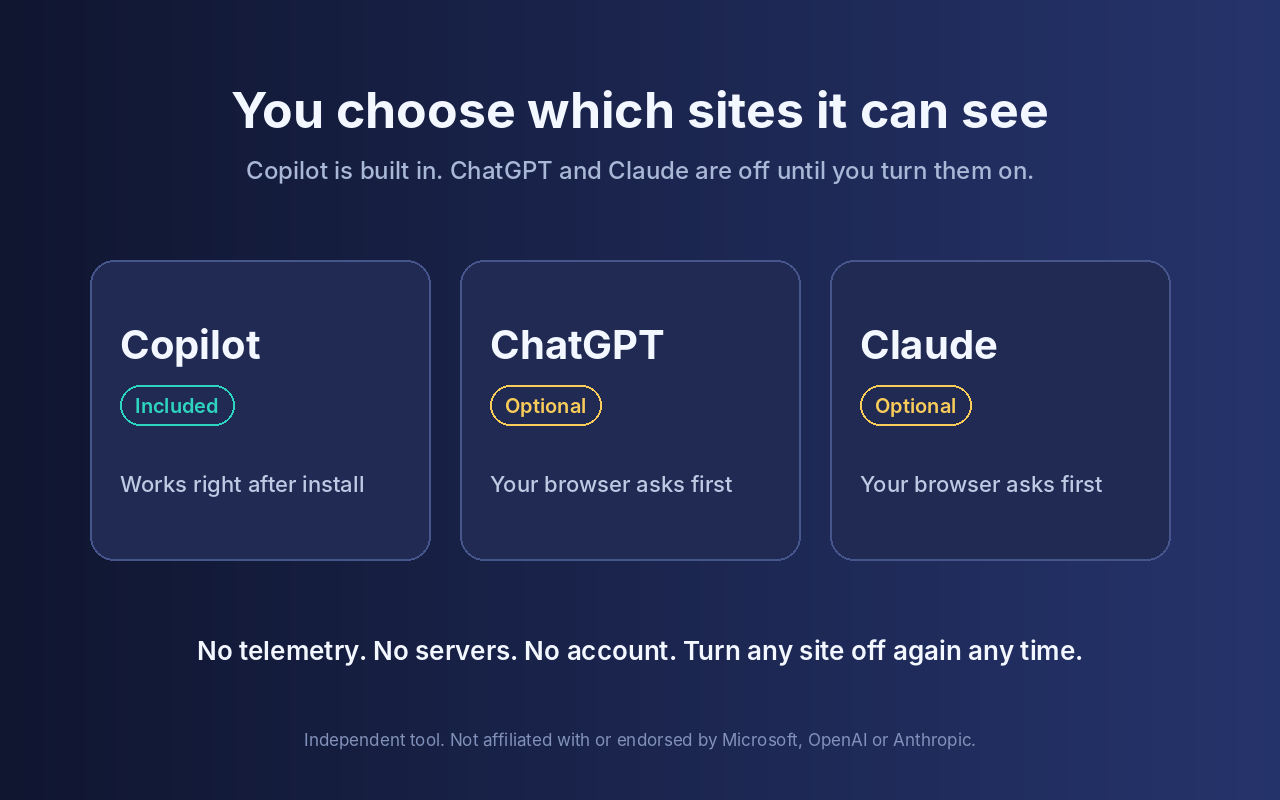
One extension for three sites. Copilot works right away. ChatGPT and Claude are optional, and you turn each one on yourself.
Side Panel That Stays Open
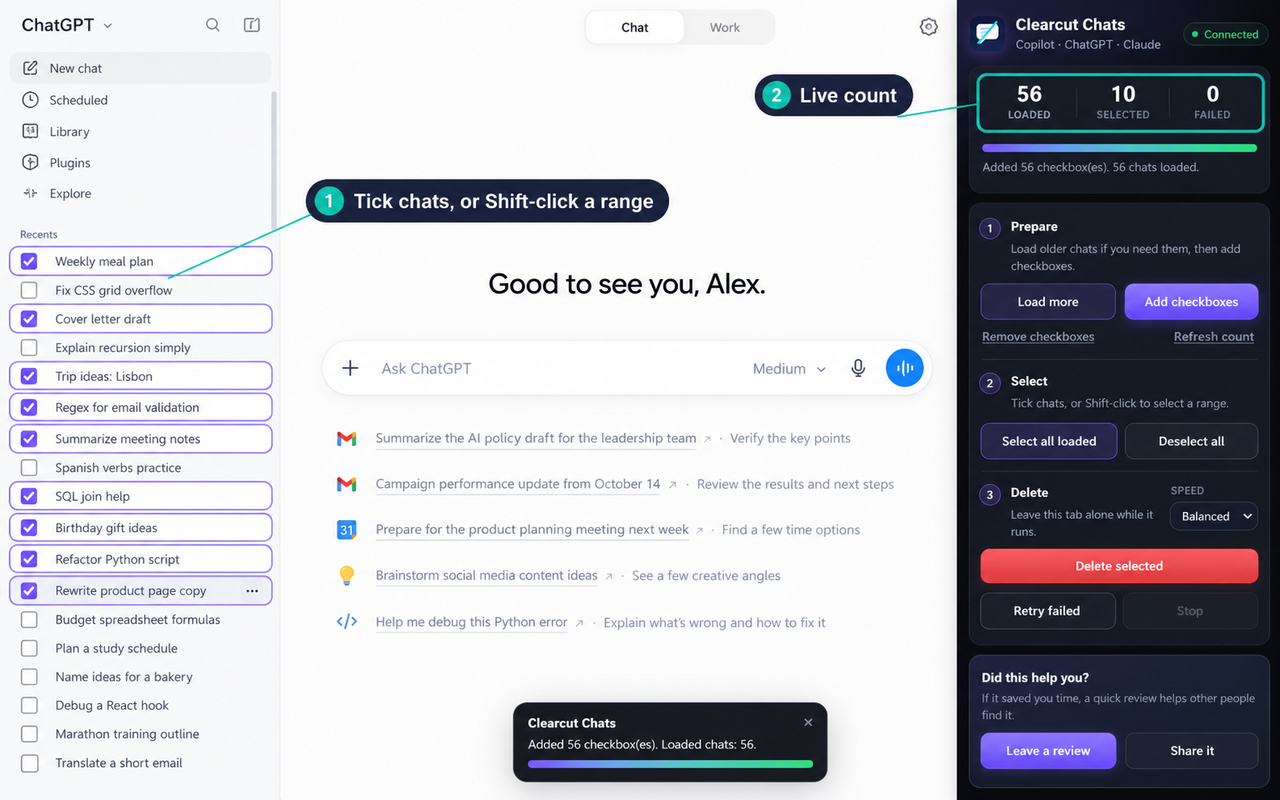
The controls live in your browser's side panel. Checkboxes appear right on your chat list.
Shift-Click Range Selection
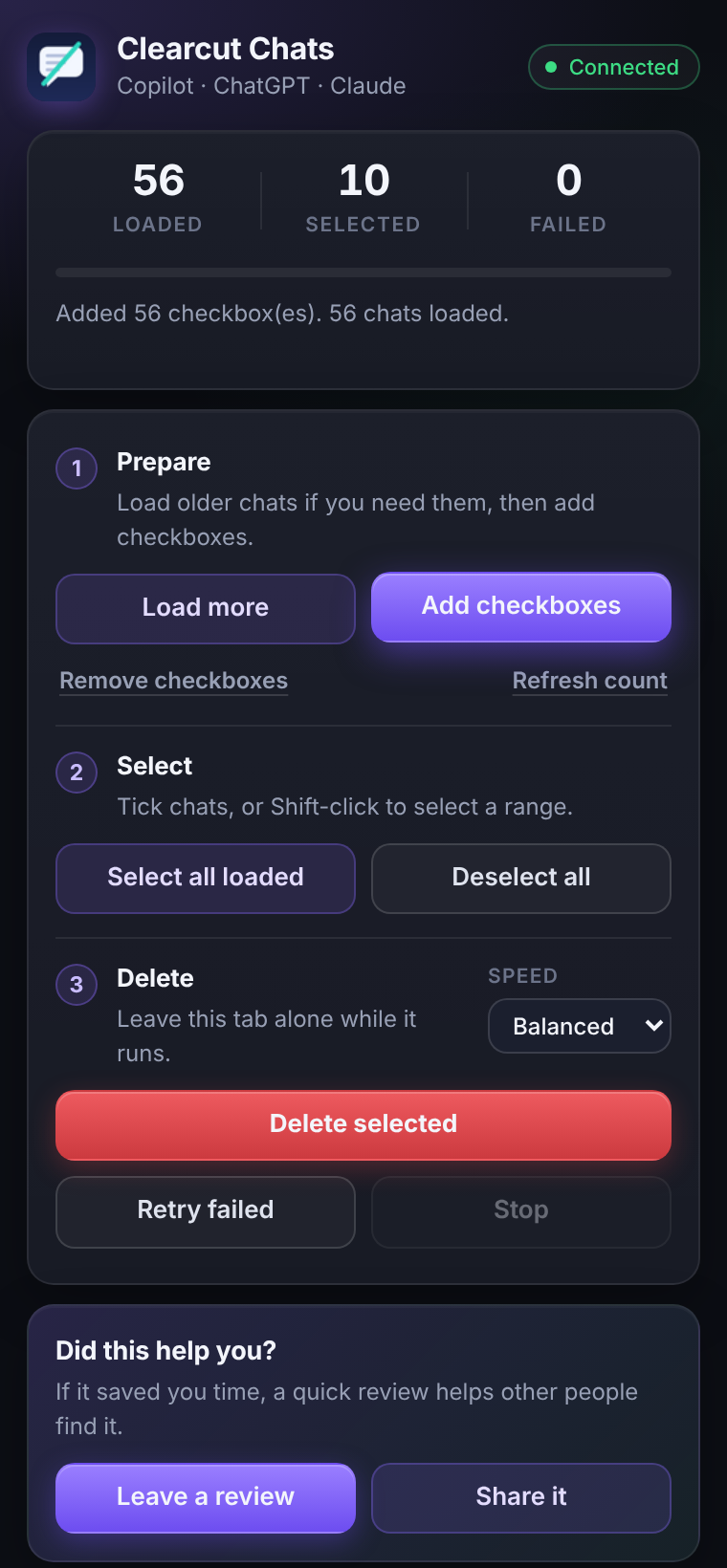
Hold Shift and click to select a range of conversations instantly, or use Select all loaded.
Loads Your Whole History
Load more scrolls the list for you, even for very long histories, until everything is in view.
Verified Deletions
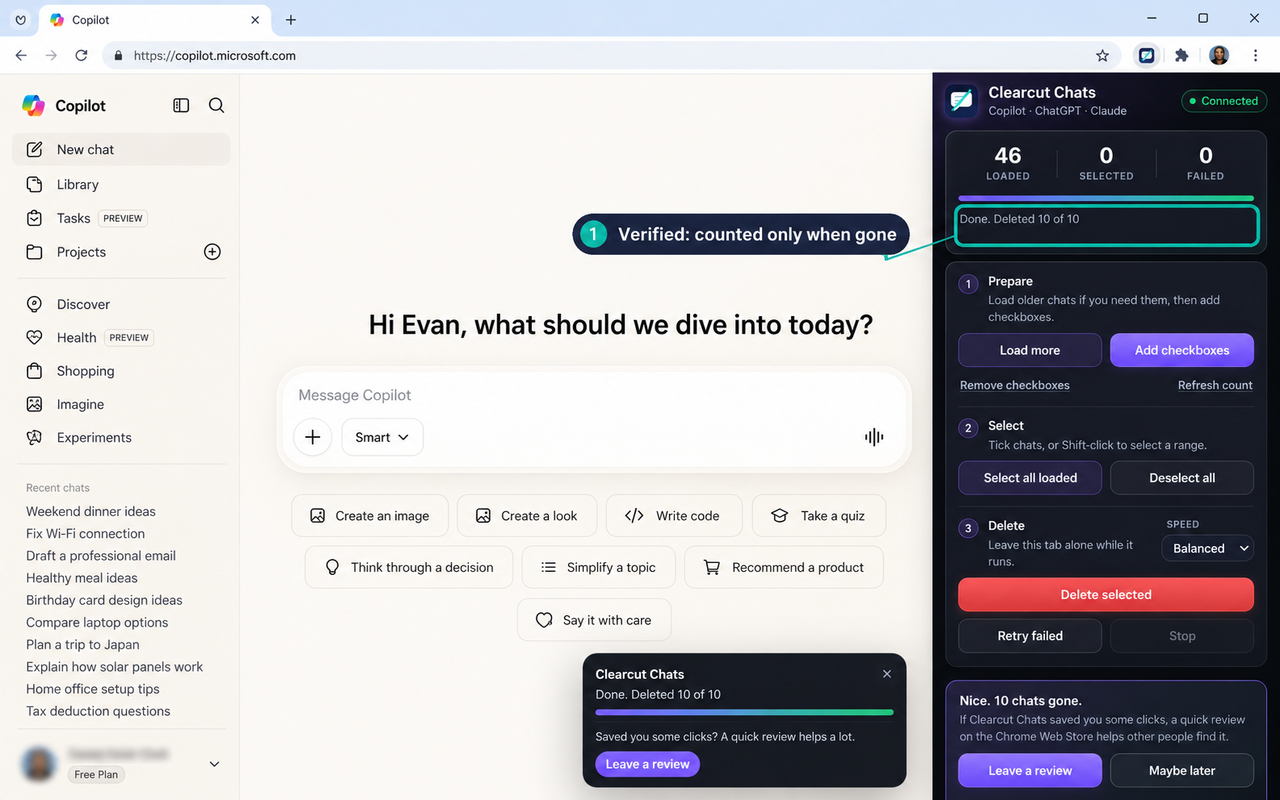
A chat only counts as deleted once it has actually left your list. Anything a site refuses is reported and can be retried.
Local-Only Operation
Everything runs in your browser. Your chats never go anywhere, and there is no account.
Access You Control
Only three permissions. ChatGPT and Claude access is off until you turn it on, and you can turn it off again any time.
Stays entirely in your browser
Clearcut Chats runs locally in your browser. It does not collect, transmit, sell, or store your conversations or personal data. The only things it saves are your own settings, on your own device.
Read the full privacy policy- No telemetry
- No analytics
- No external servers
- No account access
- No hidden or private APIs
- Only the sites you allow, and only /chat on Microsoft 365
Simple by design
How it works
Three straightforward steps. No setup, no accounts, no configuration.
Open your chat site and click the extension
Go to Microsoft Copilot, ChatGPT or Claude, then click the extension icon. On ChatGPT or Claude, press Turn on once and allow that one site. The side panel connects by itself, with no refresh. Use Load more to bring older chats into view.
Select the conversations to delete
Add checkboxes, then tick individual chats, hold Shift to select a range, or choose Select All Loaded. You stay in full control of what gets removed.
Run deletion and let it work
Confirm in the panel and the extension works through each site’s own delete flow, one chat at a time. Progress shows in the panel, and you can stop at any time.
Good to know
A few things to be aware of before using the extension.
Works with visible and loaded chats
The extension can only interact with conversations that have been loaded on-screen. Use Load More in the side panel to bring older chats into view before you run a bulk delete.
Keep the chat tab focused
Leave the chat tab alone while deletion runs. The side panel can stay open, but clicking around on the site can get in the way.
UI changes may require updates
Since the extension works through each site’s visible interface, a redesign on Copilot, ChatGPT or Claude may occasionally need an extension update. If something stops working, email owen@ghostwrightweb.com.
Not affiliated with Microsoft, OpenAI or Anthropic
Clearcut Chats is an independent utility. It is not affiliated with, endorsed by, or connected to Microsoft, OpenAI or Anthropic. Product names belong to their owners. Deleting a chat is permanent on those sites.
FAQ
Questions people ask
Did it save you time?
A short review helps other people find it, and it is the best way to say thanks. Sharing it with a friend or a coworker helps too.
Clear your chats. Keep your privacy.
Free, private, and built for anyone with a long list of AI chats they'd rather not click through one by one.
Works in Chrome, Brave and other Chromium browsers. The Edge Add-ons listing is on its way. Edge users can install from the Chrome Web Store today.
No account required. No data collected.